Microwave Calcination Reactor
IN PROGRESS
9/20/20243 min read
Overview
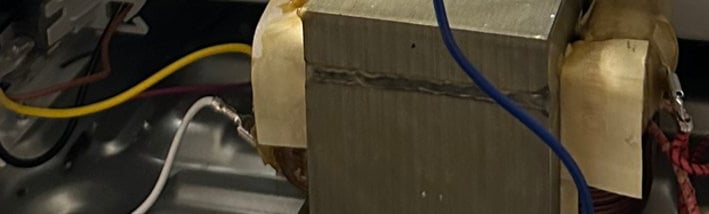
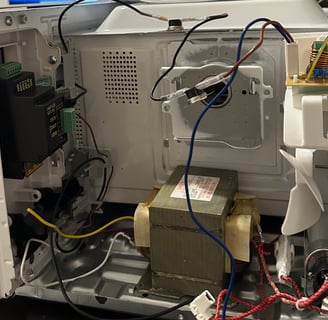
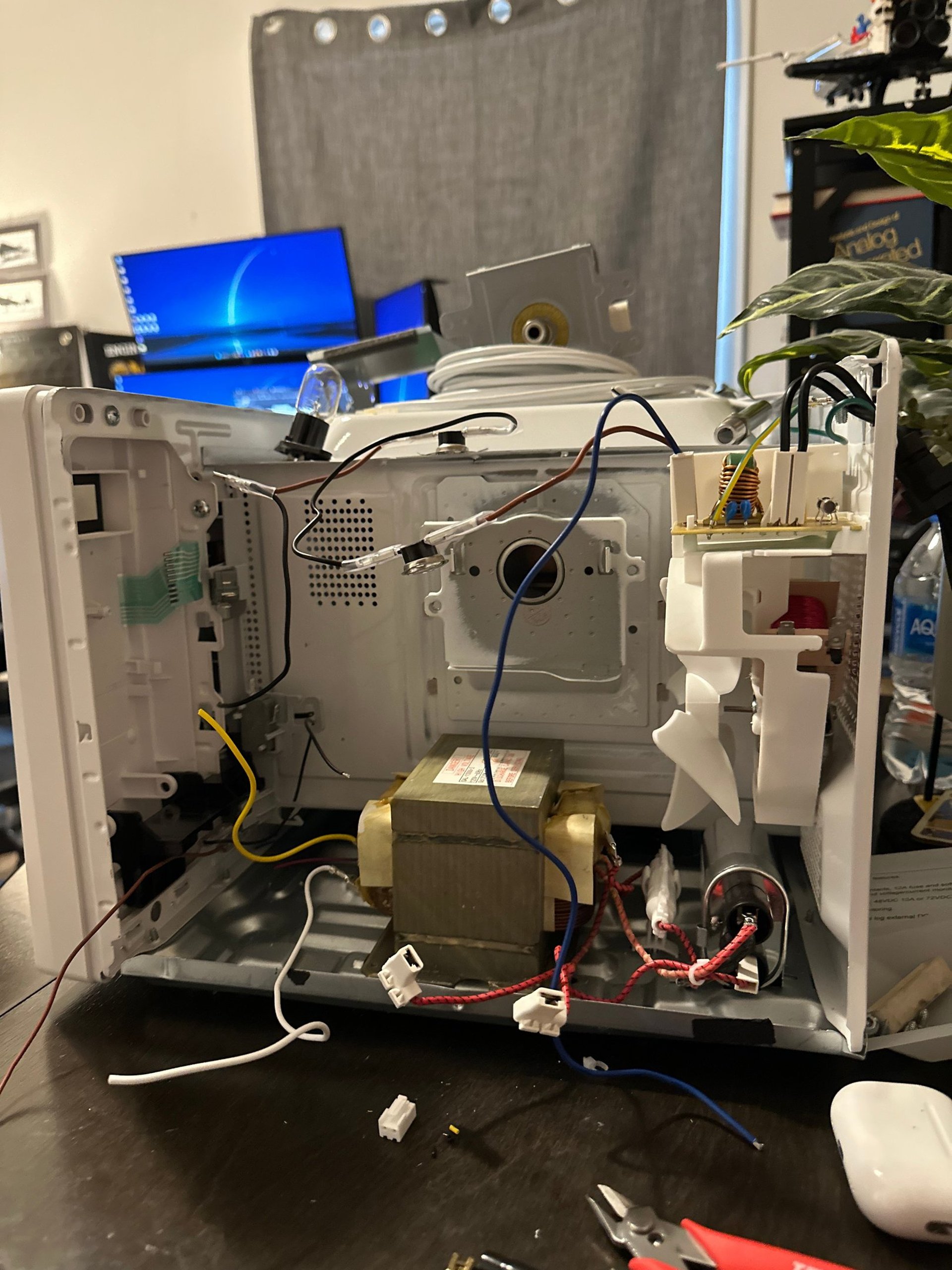
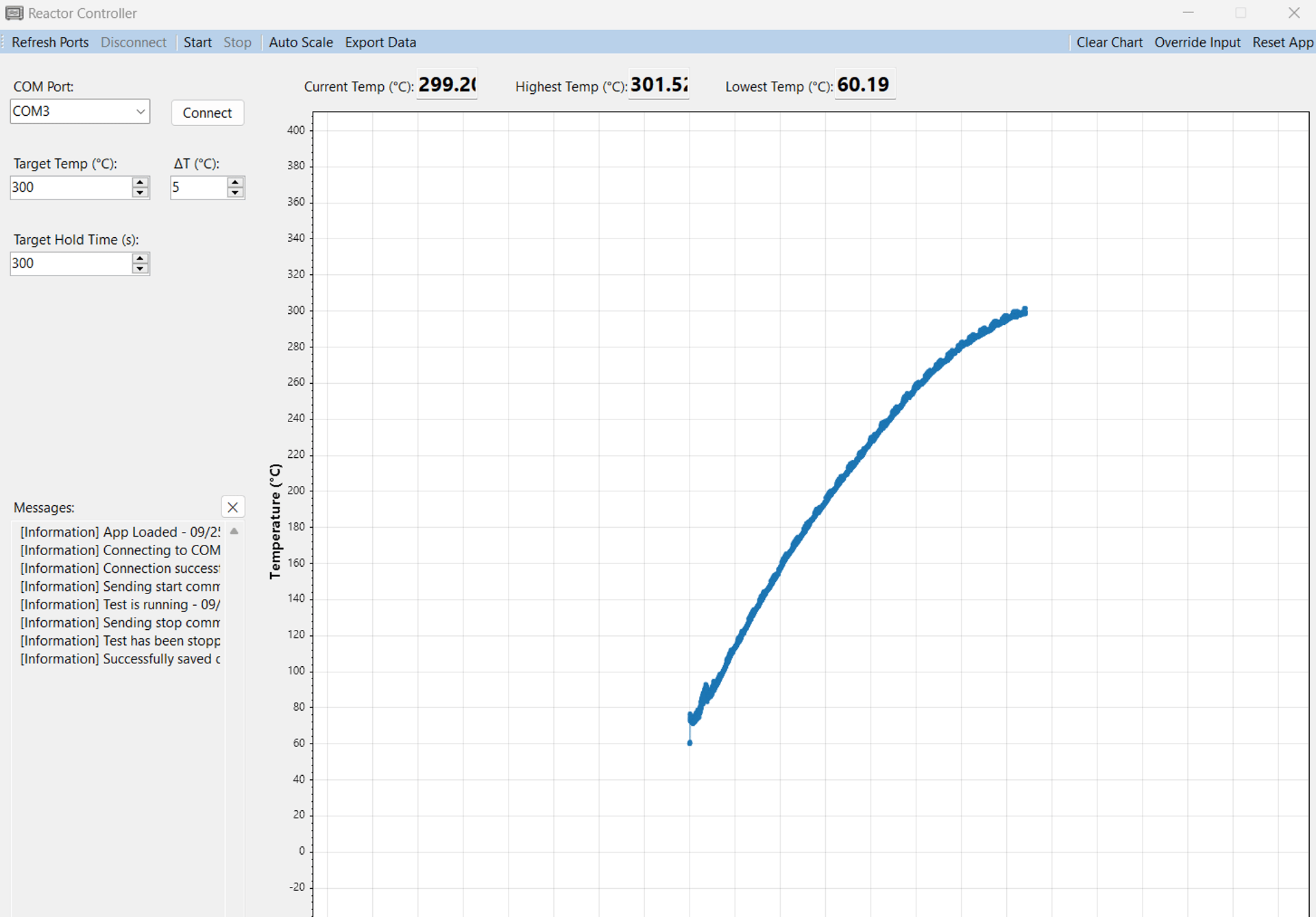
This project had 2 major components: a desktop app that allowed users to interface with the reactor, and the reactor controller itself. The purpose was to create a custom microwave controller that used sample temperature as the input.
Objectives:
Create an extremely reliable system with an emphasis on safety, as this was being deployed in a lab environment.
Have a functioning device within 2 weeks of the request.
Not compromising any existing physical interlocks.
Collect power output and sample temperature data.
Allow users to easily export experiment data to CSV.
Why I Decided To Build It:
One of my chemical engineering friends had asked for my advice regarding a tool he needed for his research. He was tasked with creating an automated heater that could quickly heat samples up to 1000℃, with a ~$200 budget. Those constraints eliminated many off the shelf systems, and would require the conversion of a traditional microwave oven. This was a tall order, as he didn't have any experience with programming or circuit design. So I decided to step up and help, delivering a working prototype within 2 weeks.

Major Components
Desktop Application
C# based .NET 8 Windows Form
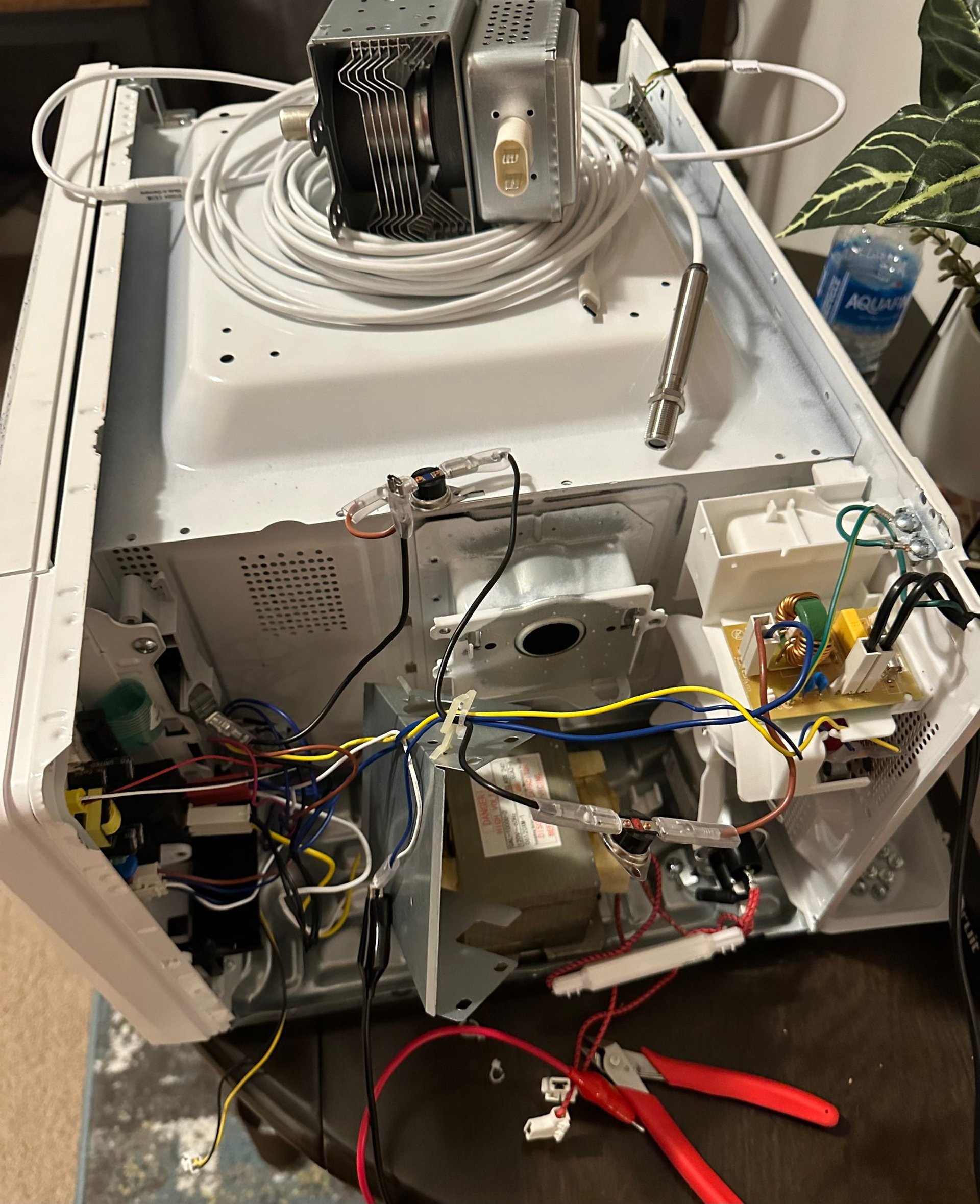
Reactor Controller
ESP32 WROOM32 (MCU)
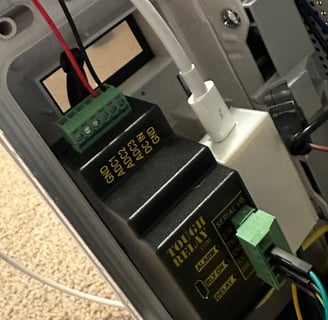
Digital Loggers Tough RelayCrydom D2425 (Relay)Optris CS-LT (Temperature Sensor)
PZEM-004T (Power Monitor)
ADS1115 16-Bit ADC
Desktop Application
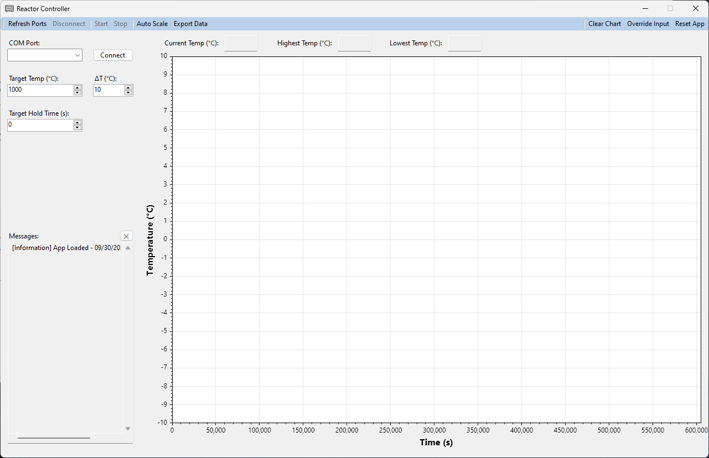
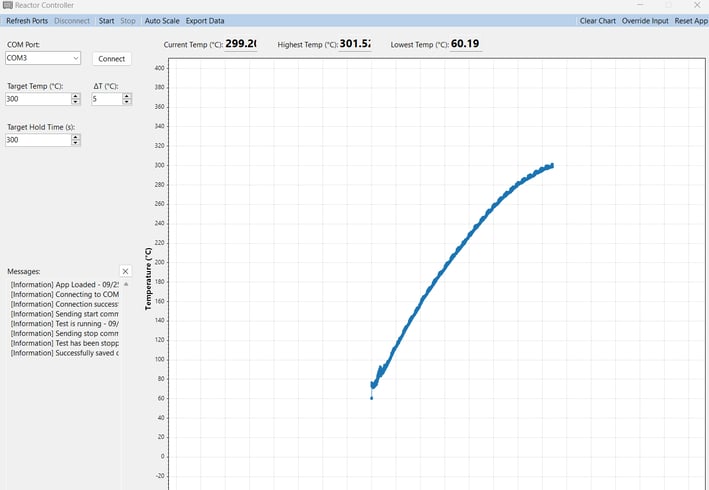
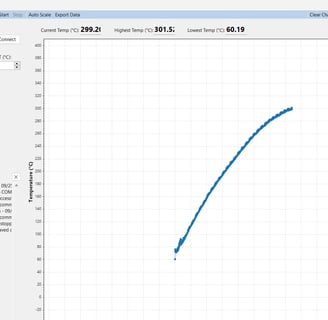
There are 3 main tasks the desktop app needed to satisfy:
Reliably communicate with the ESP32 through serial.
Process data packets and update the UI accordingly.
Save the data during runtime, and have it be exportable as a CSV.
Since I've had experience in desktop app development, the GUI was trivial to implement. That allowed me to spend time on creating safety mechanisms to ensure the desktop app correctly reflected the state of the ESP32.
Watchdog: During an active test, a data packet is expected from the controller every ~300ms. If 600ms is exceeded without a packet being received, the app will notify the user and attempt to send a stop command.
Command Switching: When a command is sent to the controller, the app expects to receive that command back. If the command isn't the same, the app notifies the user and attempts to set the controller to an idle state.
Reactor Controller
The controller was responsible for:
Reliably communicating with the application through serial.
Polling the temperature sensor and power monitor through the ADC using I2C.
Controlling the power to the magnetron circuit by switching a relay based on the current temperature and set-point duration.
Given the constraints of reliability and time of development, I decided to use Arduino to implement the controller. The program loop has two major update functions:
Communication: Polls the serial port and checks if any data can be read. If so, append to a command buffer until a valid command can be parsed.
Control Loop: Collects data from the ADC and updates latest temperature and power values. It then uses a bang-bang controller to determine if the relay needs to be toggled on using the setpoint duration and the current temperature.